
Android Code Editor with One-Tap Website Publishing
SrcNexus is a code editor for Android that also hosts what you build. Write a site on your phone, check it in the built-in preview, then tap Publish: it goes live at https://your-username.srcnexus.app/your-project. No laptop, no separate hosting account, no FTP.
Last checked:
What one-tap publishing does
When you choose Publish from the editor's ⋮ menu, SrcNexus uploads your project and gives you a public link you can open on any device or send to anyone.
- Your own address: every project is served at
https://{username}.srcnexus.app/{project-name}. - Only changed files are uploaded: when you publish again, SrcNexus compares the project with the last publish and sends just the files you added or edited, and removes the ones you deleted.
.gitignoreis respected: anything listed in it is left out, as are dependency folders such asnode_modules.- Static sites: HTML, CSS, JavaScript, images, fonts and the build output of tools such as Vite. Each file must be under 10 MB.
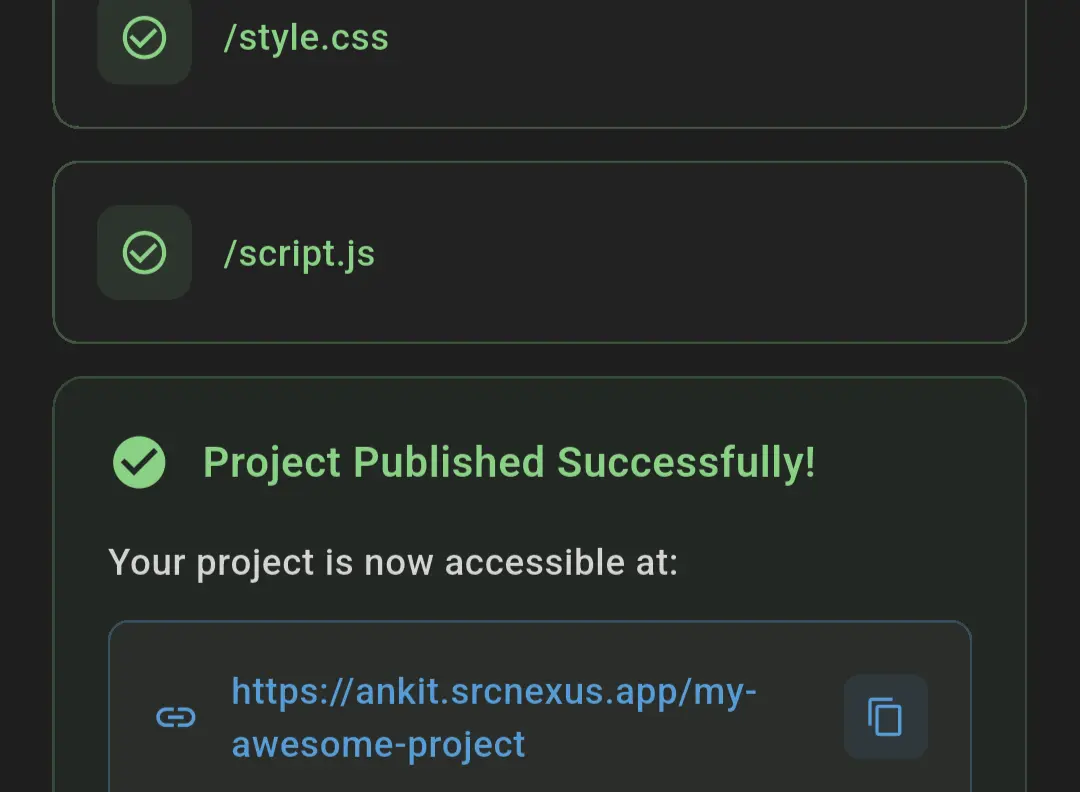
From code to a live link
- Create a project (the Web Project template gives you index.html, style.css and script.js).
- Edit your files in the code editor.
- Tap ▶ to run it in the live preview and check the console for errors.
- Open the ⋮ menu and choose Publish (sign in first; a free account is needed to publish).
- Copy the link from the dialog, or later use Copy Preview Link from the same menu.
The full walkthrough, with screenshots, is in how to publish an HTML, CSS and JS website from your phone.
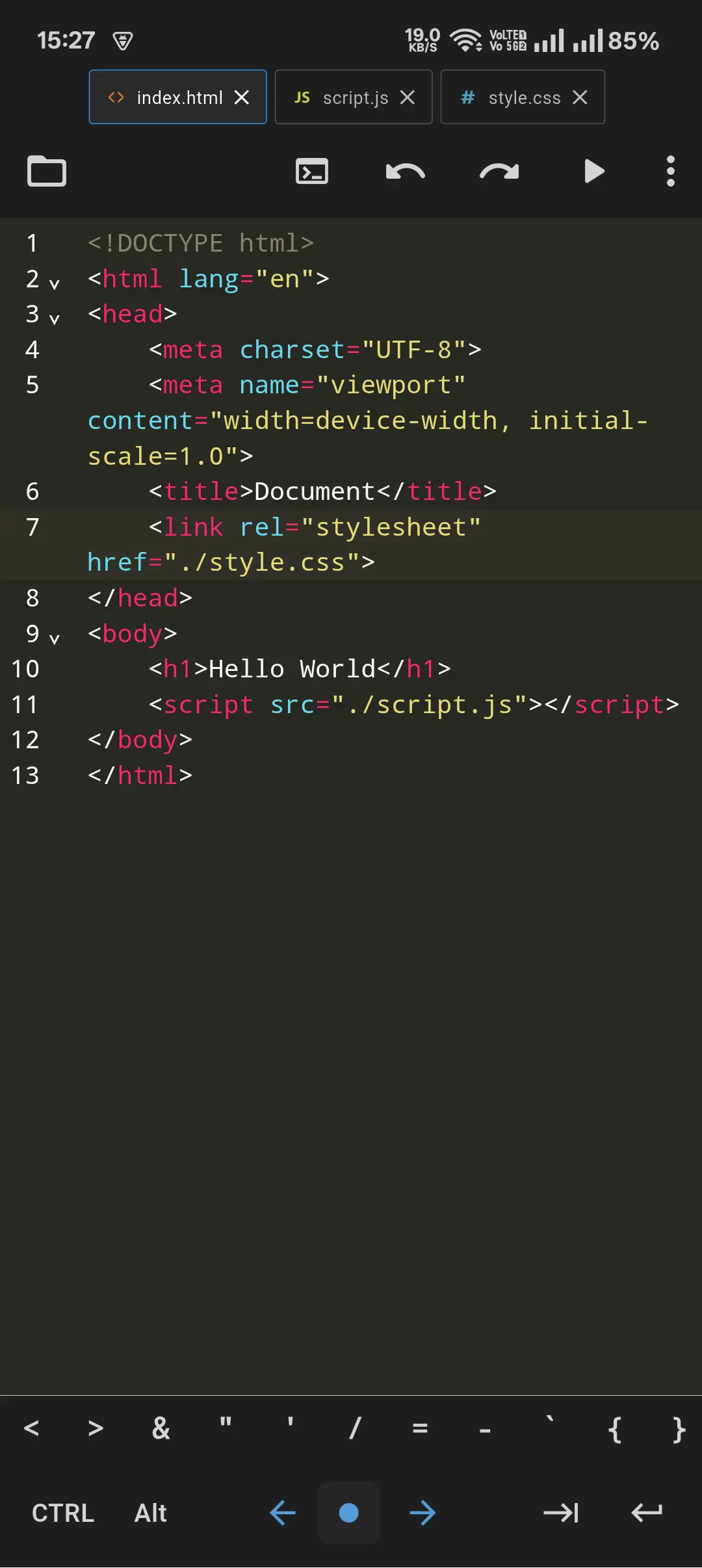
Built for real sites, not just demos
Redirects and single-page apps
Add a redirects.txt file to the project root to control URLs on the published site. It uses a simple one-rule-per-line format:
# React / Vue / Svelte router: send every path to index.html
/* /index.html 200

# Moved a page
/old-about /about 301
You can also serve a build folder instead of the project root, either with serve = "/dist" in redirects.txt or with Serve Directory in the ⋮ menu. See the redirect rules documentation.
Visitor stats
Published projects record page visits. In the app you can see visits and unique visitors over time, top pages, countries, cities, device types and bot traffic, for one project or all of them.
Preview and DevTools before you publish
The preview runs your page in a WebView with a console, a network request log and a storage inspector (localStorage and sessionStorage), so you can fix errors on the phone before anyone else sees them.
A terminal for build tools
SrcNexus has a terminal that connects to Termux after a one-time setup. That is where you run npm, Vite, Python or Git, then publish the result. See the terminal setup guide.
Extensions
Themes, language support, formatters and tools can be added from the extension store.
Good to know
- SrcNexus is free on Google Play and shows ads.
- Publishing needs an internet connection and a SrcNexus account. Verify your email to publish more than one project.
- Hosting is for static files. Server code (Node.js, PHP, Python back ends) runs in the terminal on your phone, not on srcnexus.app.
- If you rename your account or project, the published link changes and the old one stops working.
Comparing options? Read SrcNexus vs Acode vs Spck vs Replit or the FAQ.
SrcNexus is free on Google Play.
Download SrcNexus